
It turns out I really screwed up by using the organization name of “lab”. When I tried to do anything with PNP, I was stopped dead in my tracks because someone already used that name.

Luckily this is just a lab, so changing the organization name shouldn’t be a big deal… except there’s no option to edit.
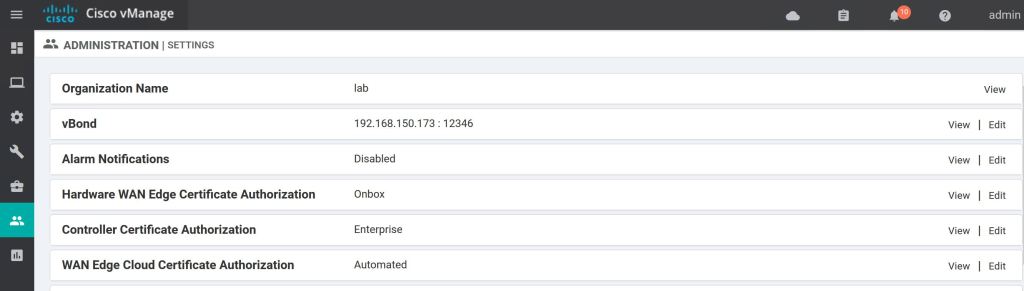
The solution (which sucks) is to delete all of the devices under Configuration > Devices > Controllers.
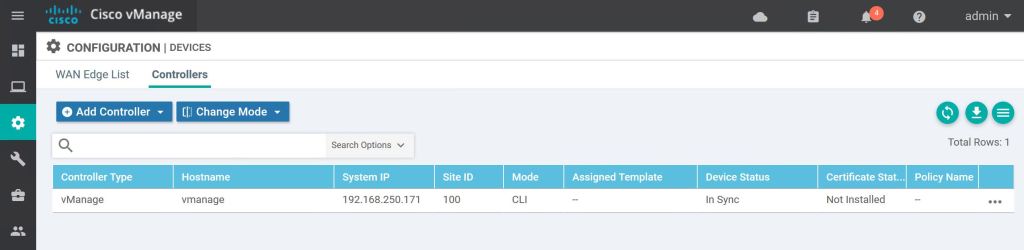
Click the three little dots on the right for each controller, including the vManage itself, and select Invalidate.

Now that everything has been invalidated, the option to edit reappears.
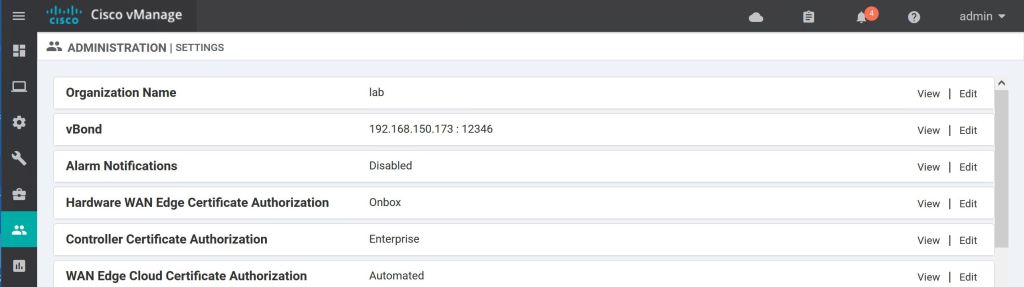
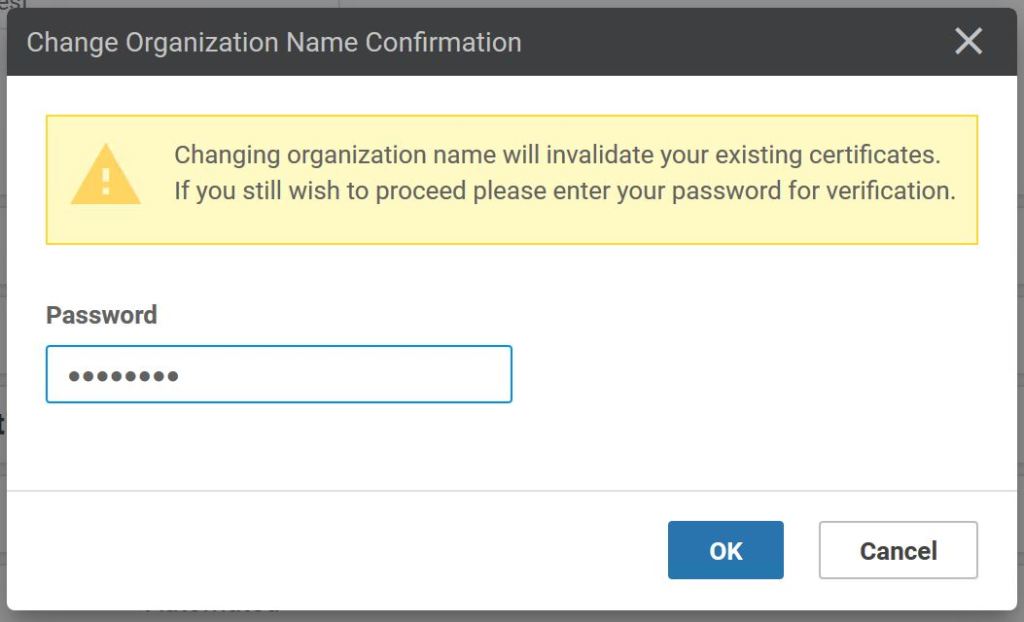
This deletes the certs that we already generated, as well. Again, it’s a good thing it’s a lab and we need to practice.
 Oscorp Labs