
This topic is pretty straightforward, so I’m trying to think of ways they can over-complicate it on the exam, maybe with some obscure setting you would never, ever configure in a production environment.
1.1.a i Managing MAC address table
The best I can come up with is modifying the aging time on the mac address table.

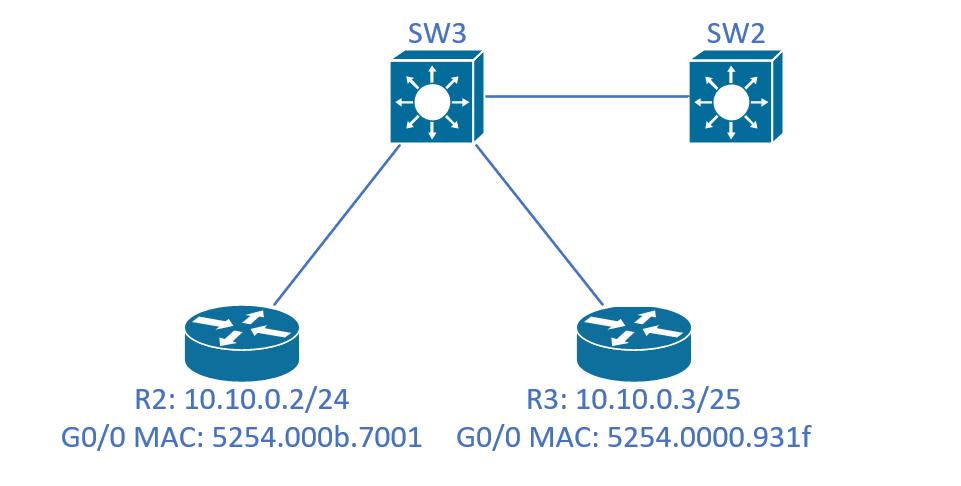
After doing a ping from R2 to R3, we can issues show mac address-table on SW3 to see the MAC addresses listed above, along with the interfaces they’re connected to, and the VLAN numbers.
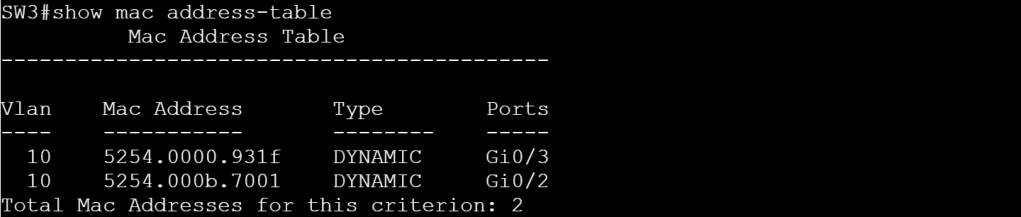
But let’s modify the aging timer and set it to 10 seconds for vlan 10.
conf t
mac address-table aging-time 10 vlan 10
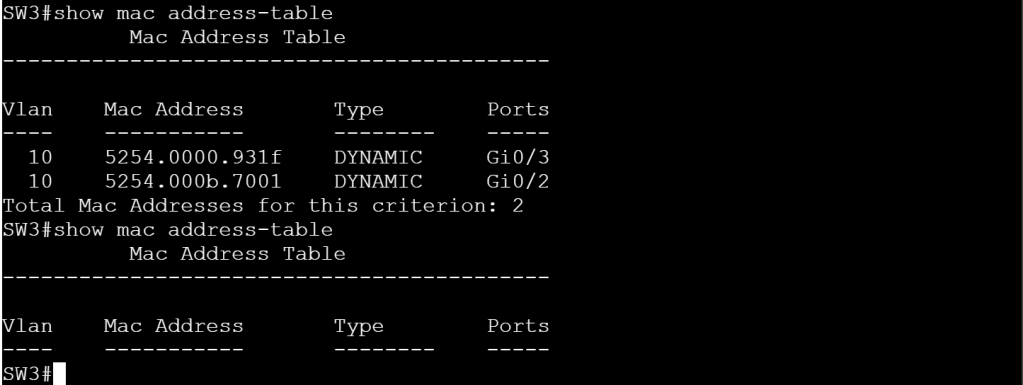
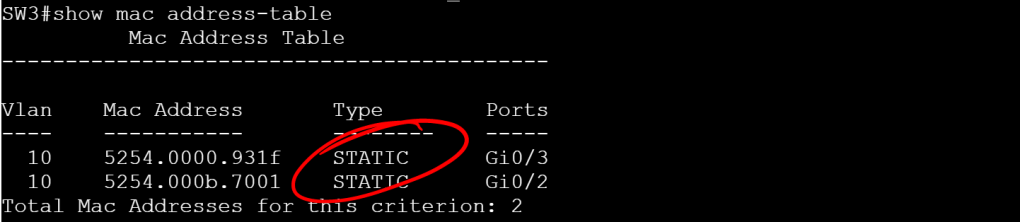
Another goofy thing we can try is statically assigning a MAC address to an interface and VLAN.
conf t
mac address-table static 5254.0000.931f vlan 10 interface GigabitEthernet 0/3
mac address-table static 5254.000b.7001 vlan 10 interface GigabitEthernet 0/2
1.1.a ii Errdisable recovery
This should be another short topic that we’ll need to figure out where there can be some hidden tricks. For an easy err-disable, we’ll set BPDUGuard on SW3 Gig
SW3: (no tabbing)
conf t
int gi 0/1
sw t e d
sw m t
spa portf e t
spa bpdug e
(Set it to a trunk, enable portfast with the edge trunk command, so it enables it even if it’s a trunk port, then enable bpduguard.)

How do we know BPDUGuard is the what caused the err-disabled status?
We can browse our syslog messages, or an easier way is to turn on err-disable recovery:
conf t
errdisable recovery cause all
errdisable recovery interface 30
(We set it to recover from any err-disable cause, and recover every 30 seconds.)
show errdisable recovery
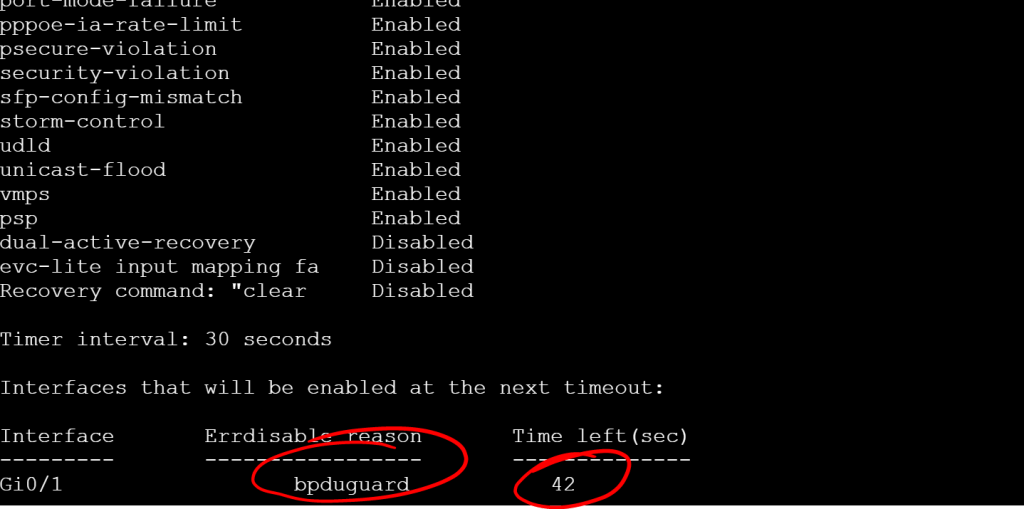
But wait a second! If the Timer interval is set to 30, how can there be 42 seconds left? The timer takes effect after the next cycle. The default timer is 300 seconds.
1.1.a iii L2 MTU
The big thing to remember with L2 MTU is that fragmentation only happens at L3, so if the L2 MTU can’t handle the size of the incoming frame, it gets dropped. A couple areas we’ll need to worry about this is with VXLAN when we get to the SDA section and then again with MPLS labels, since they can be stacked and each one is 4 bytes.
Let’s check the L3 MTU setting on an interface:
show interface gig 0/1

You can modify the L3 MTU per interface with the ip mtu command, but it maxes out at the system MTU value. So you can’t set the system MTU to 2000 and an interface MTU to 2100.
This doesn’t include the frame header and any tags (like dot1q vlan tags). If you modify the system MTU, it gives you a very specific message about this:
config t
system mtu 9198
Global Ethernet MTU is set to 9198 bytes.
Note: this is the Ethernet payload size, not the total Ethernet frame size, which includes the Ethernet header/trailer and possibly other tags, such as ISL or 802.1q tags.
 Oscorp Labs